OPENVIBE
agentic coding environment
Open-source desktop IDE powered by AI.
Bring your own model. Code with AI, not around it.
agentic coding environment
Open-source desktop IDE powered by AI.
Bring your own model. Code with AI, not around it.
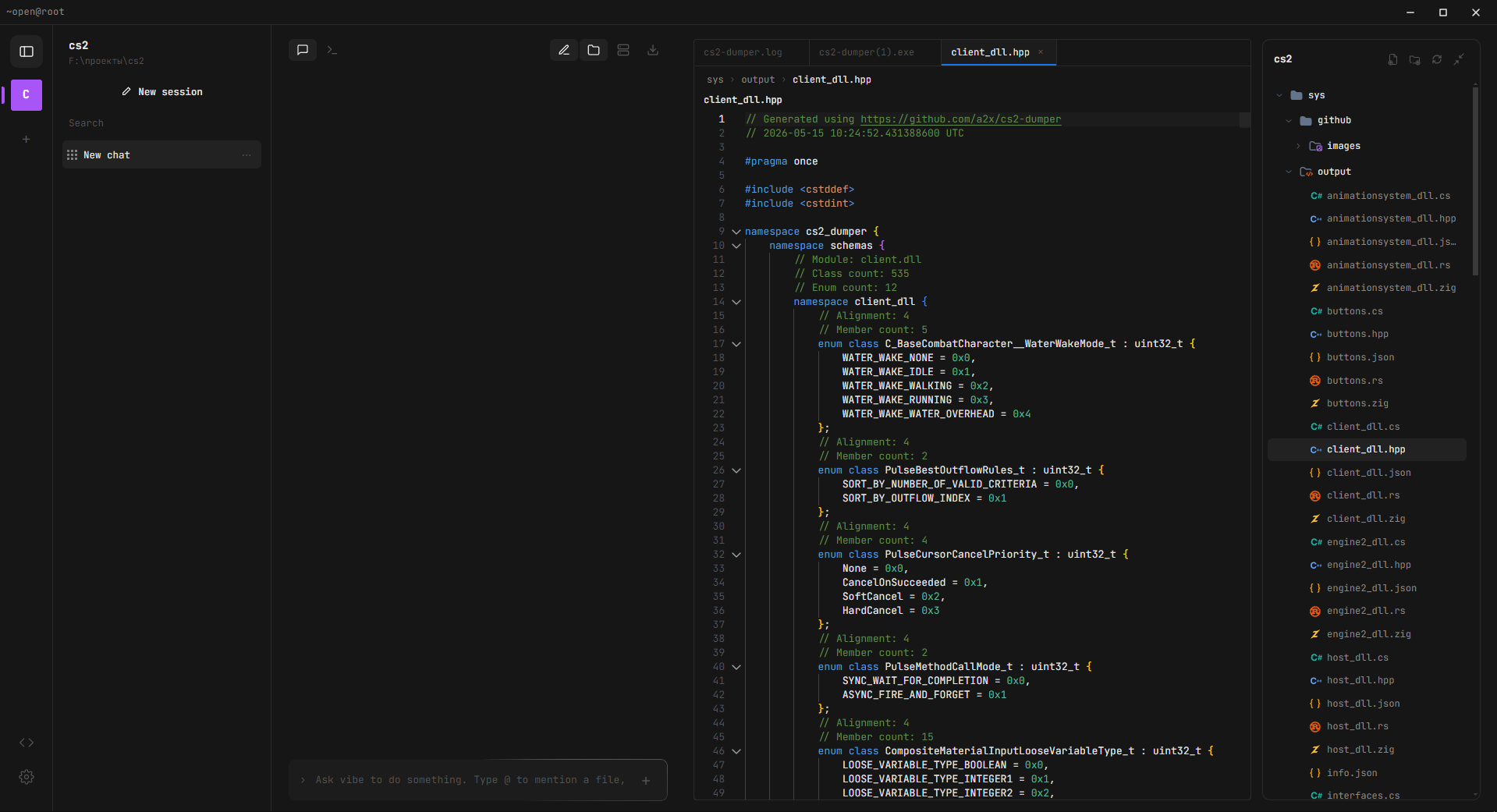
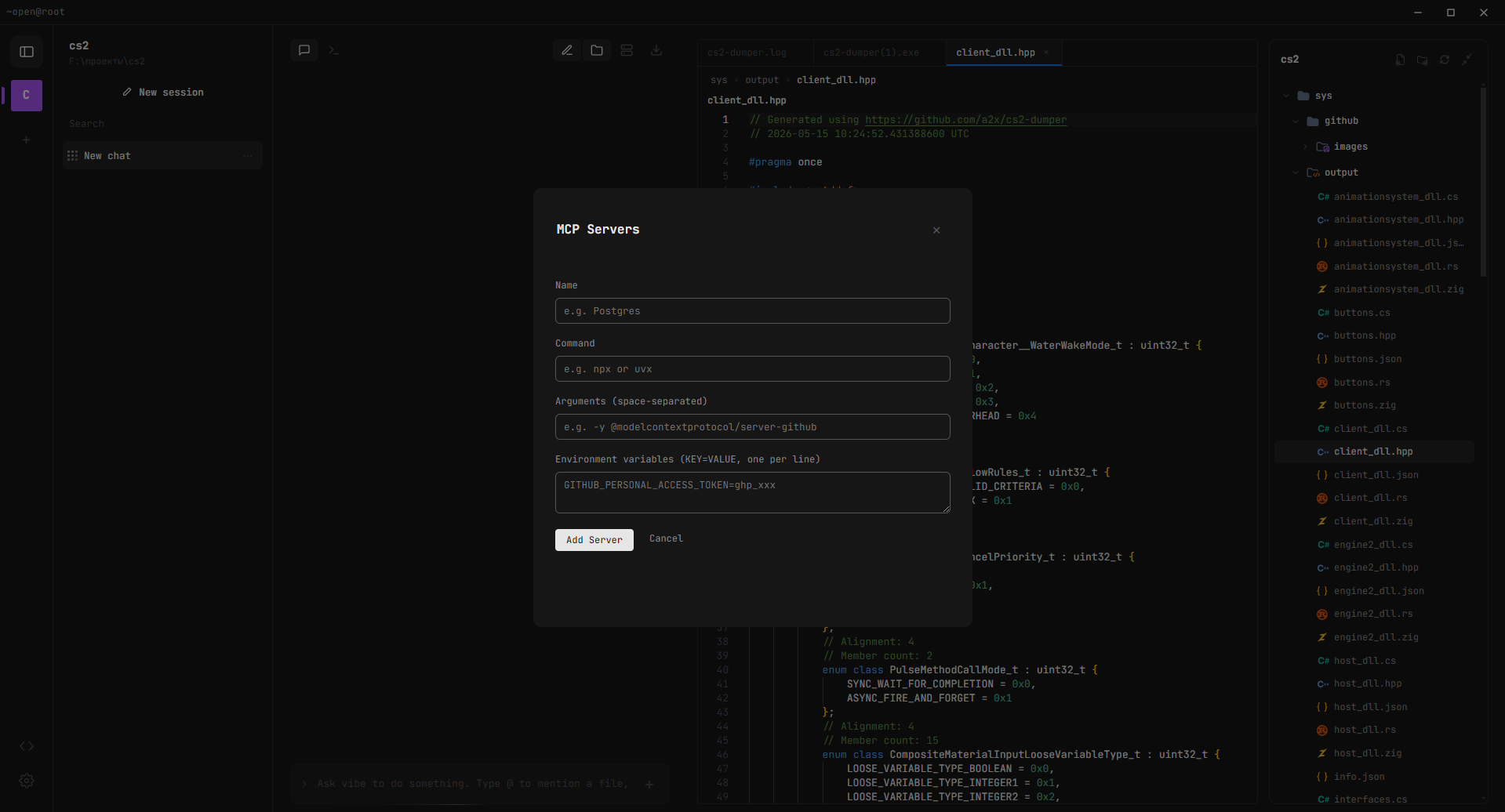
Reads, writes, edits files and runs commands autonomously. Web search, style learning, auto project context.
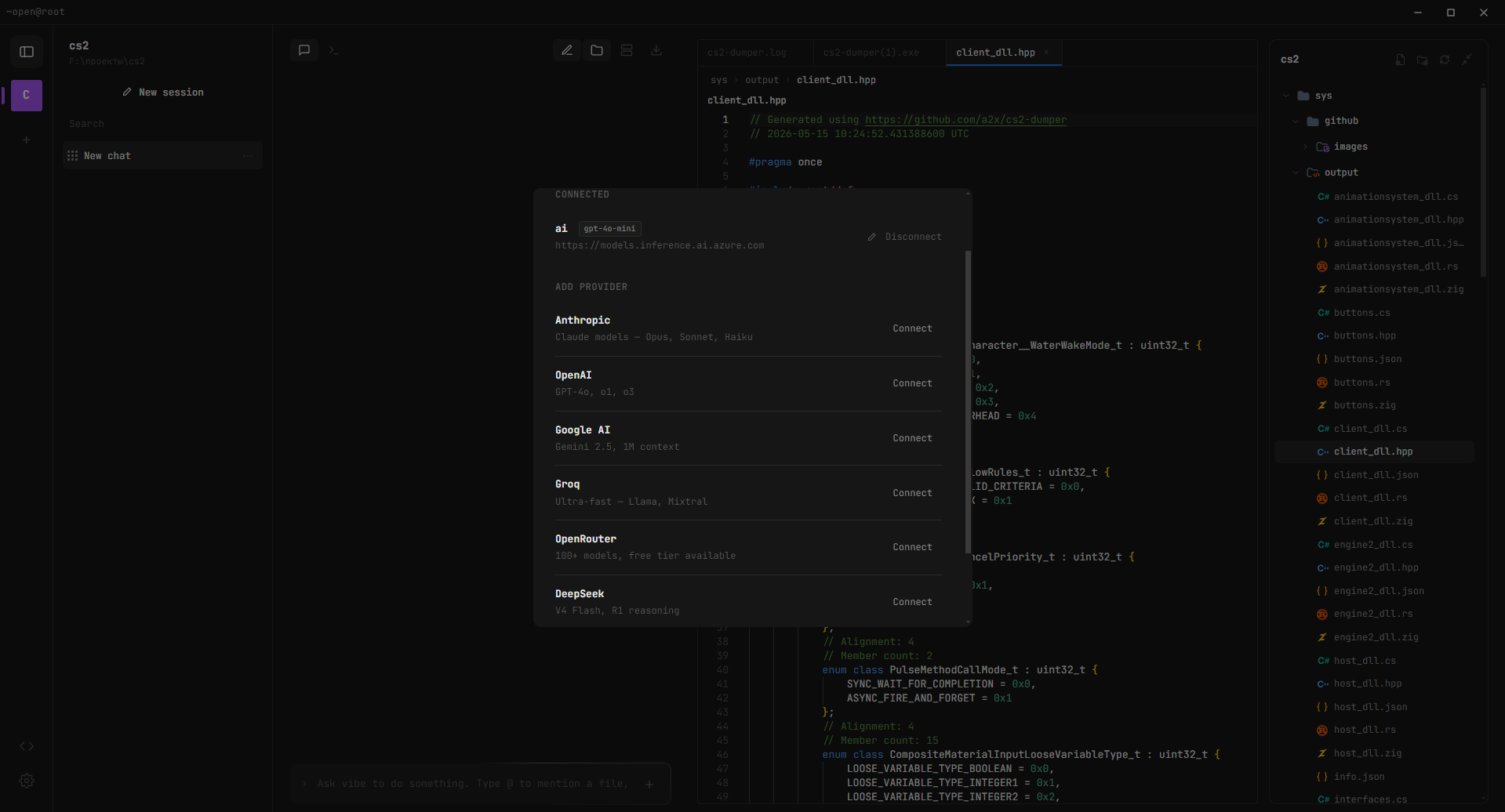
OpenAI, Groq, DeepSeek, Gemini, Ollama, OpenRouter — any OpenAI-compatible endpoint works.
Connect external tools via Model Context Protocol — GitHub, databases, browsers, and more.
Scaffold full projects with /new — React, Next.js, Express, Flask, Electron, Telegram Bot, Vue 3.
VS Code engine. File tabs, breadcrumbs, autosave, resizable panel, 230+ file icons.
Real PowerShell/bash PTY with multiple tabs. Works simultaneously with the editor.
AI responses render full Markdown and math formulas with KaTeX. Diff view for edits.
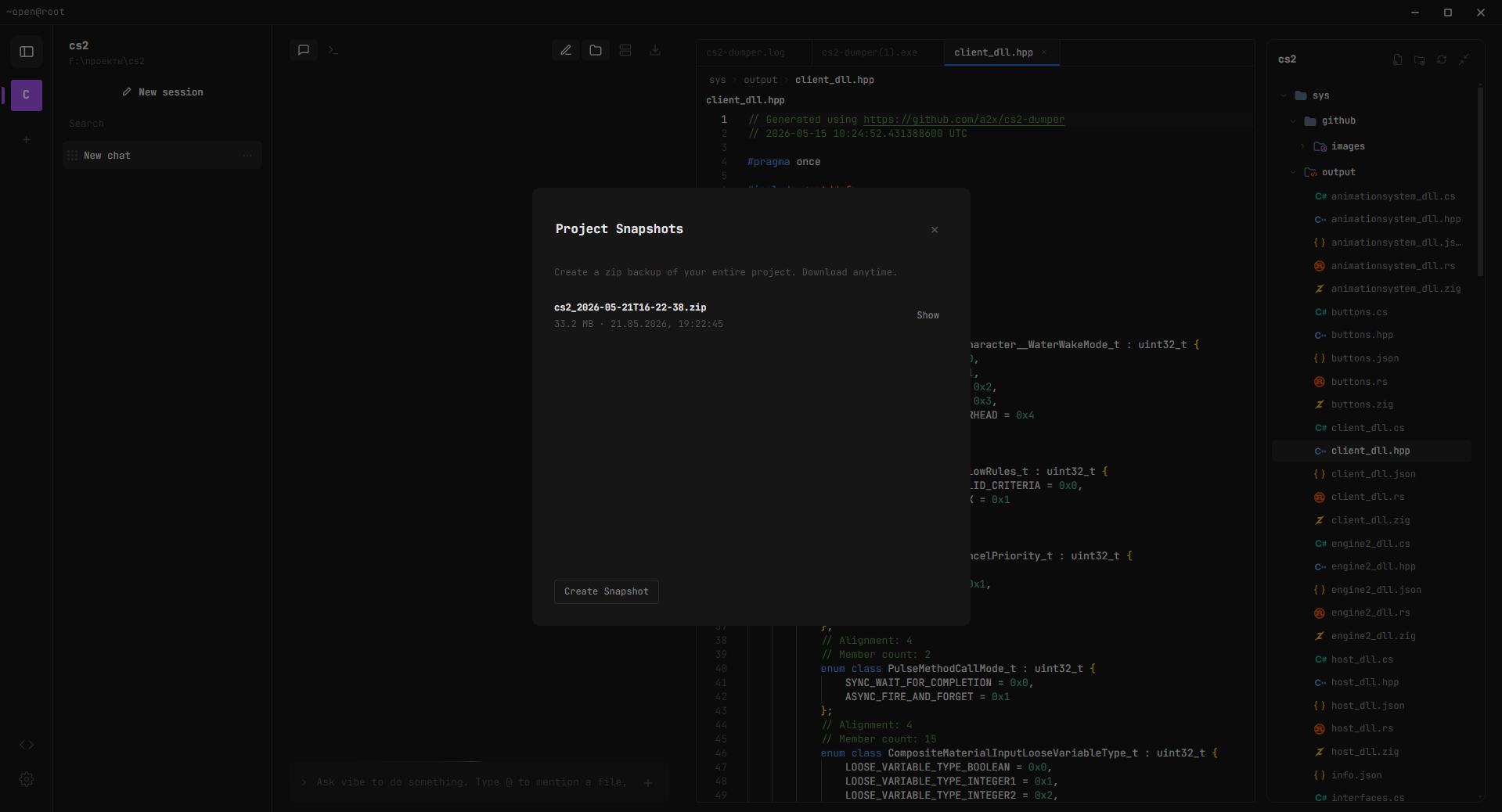
One-click zip backup. Excludes node_modules and .git. Download anytime from any project.
Unlimited projects with isolated sessions, terminal, editor state. Per-project persistence.
AI can search the internet for current information, docs, and solutions when needed.
Switch the entire IDE between dark and a clean grey-white light palette. Editor and terminal follow along.
Square or round project avatars, compact or expanded composer. Tune the workspace to your taste.
See AI edits live without reopening files. Drag code references straight from the editor into chat.
Drop Markdown rules into vibe/ or .vibe/ — auto-loaded as mandatory instructions with five-layer enforcement so the model can't ignore them.
Discreet audio cues when the AI finishes a response or generation is stopped.
Full IDE translation: English, Русский, Español, Deutsch, Français, 中文.
A heavy planner produces a structured plan with Done-criteria; a fast executor implements each step with full plan context. The app switches models automatically per phase.
Send #skills with .md/.txt attachments to teach long-lived per-project knowledge. Toggle each skill on or off in the Skills panel.
 OpenAI
 Claude
 Gemini
 Groq
Groq Ollama
 DeepSeek
 OpenRouter
Switch providers in 2 clicks. Your code, your conversations, your context — nothing is lost. Today OpenAI, tomorrow Ollama, next week your own fine-tuned model. openvibe doesn't care where the intelligence comes from.
Yes, completely. Open source under MIT license. No subscriptions, no telemetry.
Any model accessible through an OpenAI-compatible API. This includes OpenAI, Anthropic (via proxy), Google Gemini, DeepSeek, Groq, Ollama, LM Studio, vLLM, and hundreds of models on OpenRouter.
Yes — if you run a local model through Ollama or LM Studio. The app itself doesn't require internet; only the AI provider does.
Only to the AI provider you configure. openvibe doesn't collect any data. If you use a local model, nothing leaves your machine.
Yes. MIT license means you can use it for anything — personal, commercial, enterprise.
openvibe is fully open source, model-agnostic (bring any provider), and runs as a standalone desktop app. No vendor lock-in, no monthly fees for the IDE itself.

Creator & Developer, 16 y.o.
Full-stack developer. Building tools for developers who want AI without limits.
mt-studio@bk.rugit clone https://github.com/muradtedeev0912-maker/openvibe.git
npm install && npm run build
npm start